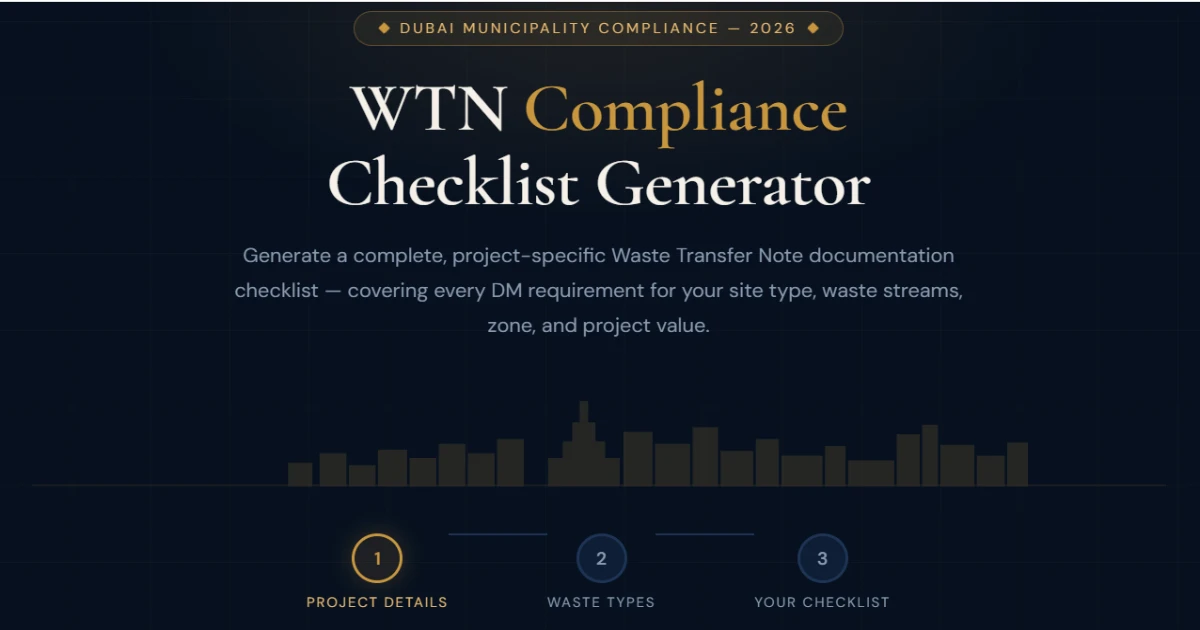
WTN Compliance
Checklist Generator
Generate a complete, project-specific Waste Transfer Note documentation checklist — covering every DM requirement for your site type, waste streams, zone, and project value.
Project Details
Four quick questions. Your checklist will be precisely tailored to your site type, contract value, location zone, and project duration — covering every DM document requirement.
WTN Compliance in Dubai (2026): What You Must Have Ready Before the First Waste Load Leaves Site
In Dubai, waste compliance isn’t just “book a pickup and forget it.” Renovation, fit-out, demolition, excavation, and construction sites can be checked at any time — and the fastest way to fail an inspection is having the waste on the ground but the paperwork missing, incomplete, or not matching the waste stream.
Use the WTN Compliance Checklist Generator above to produce a project-specific checklist based on your project type, zone, project value, and waste streams. It’s built for real on-site reality: inspections, audits, handover packs, and the common “where is the WTN?” question.
- WTN per load: each collection should be traceable as a separate load (date/time, vehicle, destination).
- Correct contractor: your haulier should be approved for the waste stream (don’t mix “general” with specialized waste).
- Correct placement: if a skip sits on public road, you’ll usually need permissions before placement.
- Close-out proof: WTNs + weighbridge tickets + recycling/diversion evidence = smoother completion and handover.
What a Waste Transfer Note (WTN) actually proves (in plain English)
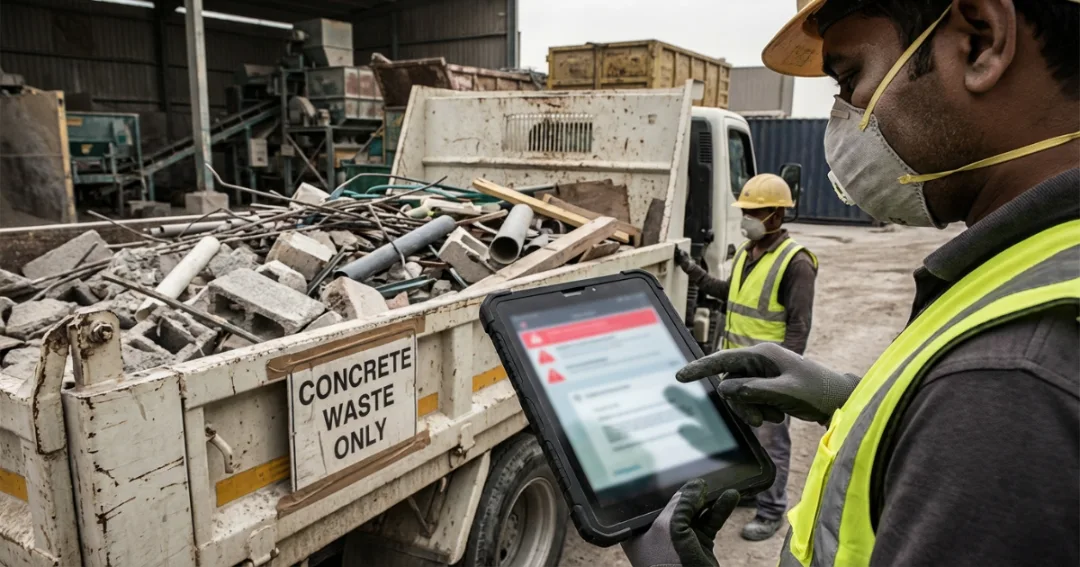
A WTN is the paperwork trail showing your waste moved from a specific site to an approved destination using a licensed process. It’s not about “having a template.” It’s about traceability. When someone asks you to prove compliant waste disposal, your WTNs and supporting tickets are the proof.
- Load identity: pickup date/time, site/location reference, vehicle details, waste type.
- Destination proof: where the waste went (approved facility) and any weighbridge/receipt evidence.
- Stream correctness: the WTN matches the waste stream (C&D, inert, excavation, hazardous, e-waste, etc.).
The “WTN Pack” you should build (so you’re never stressed on inspection day)
This is the difference between “we booked a truck” and “we can prove compliance in 90 seconds.” Use your generated checklist as the cover page for this pack.
| Document / Proof | Why it matters | Where to keep it |
|---|---|---|
| WTN (per load) | Core proof of transfer for that pickup/load. | Printed copy on-site + digital folder (PM + admin). |
| Weighbridge / disposal ticket | Supports tonnage/receipt trail and destination evidence. | Attach behind the matching WTN (same date/load reference). |
| Contractor licensing / approvals | Shows the collector is appropriate for your waste stream. | One copy at project start + refresh if scope changes. |
| Segregation photo log | Visual proof you separated waste streams correctly. | Weekly photo folder (date-stamped; simple phone photos work). |
| Recycling/diversion certificates (if required) | Supports green building reporting and handover evidence. | Close-out folder + send to client/consultant at completion. |
How to use the checklist generator (fast, no-fluff workflow)
This matches the tool flow above (Project → Waste Types → Checklist). The goal is simple: make your site “inspection-ready” by default.
- Enter project details: type, value, zone, and duration (so the output matches your reality).
- Select every waste stream you expect: don’t under-select — scope creep is common on Dubai sites.
- Print + update weekly: tick completed actions, file WTNs, attach tickets, and keep the folder current.
Waste streams that need extra attention (and how to avoid the “mixed skip” problem)
Most issues happen when different waste types get thrown into one skip to “save a pickup.” That shortcut usually costs more later — in delays, re-sorting, rejected loads, or compliance trouble.
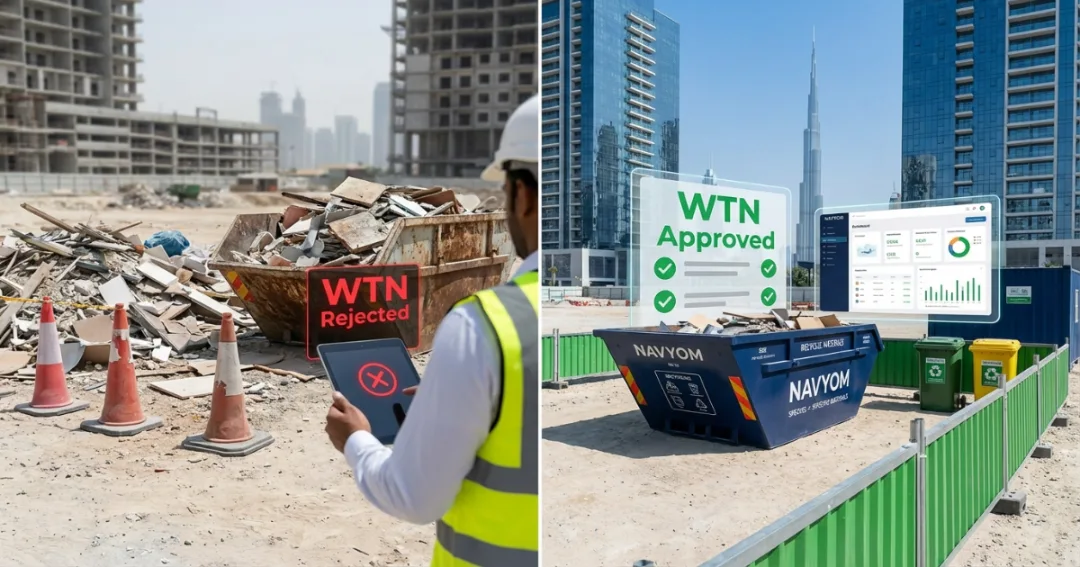

- C&D waste vs. inert: concrete/rubble behaves differently from mixed site waste; don’t assume it’s one category.
- Excavation/spoil: earth/sand volumes can be huge; schedule pickups so you don’t block site movement.
- MEP waste: cables, insulation, ducting, and packaging can turn “clean” loads into mixed waste fast.
- E-waste: screens, routers, IT equipment need a controlled route — don’t toss into general skips.
- Hazardous waste: paints, chemicals, contaminated containers must be handled separately with proper documentation.
3 mistakes that cause fines and delays (even on small projects)
- Using a non-licensed contractor “just once”. Even if it’s one pickup, your project can still be liable if the contractor isn’t appropriate for the waste stream.
- Mixing waste streams to save collections. Hazardous items, e-waste, and certain MEP waste shouldn’t go into standard mixed skips.
- No close-out folder. The site finishes physically — but the documentation is missing, so handover becomes slow and stressful.
Helpful next steps (recommended pages)
If you’re planning budgets, scheduling collections, or building a full compliance pack, these guides make it easier:
- Need collections + documentation in one place? Contact Navyom for DM-compliant pickups, WTNs, and close-out support.
- Planning skips for a renovation or construction site? Use Skip Bin Hire Dubai to match size, rules, and pricing.
- Want to understand what happens after collection? See Dubai Waste-to-Energy (where waste ends up and why documentation matters).
- Building a diversion / recycling proof pack? Start at Recycling in Dubai for segregation and certificate basics.
Want Navyom to handle WTN + collections + paperwork for you?
If you want one team to manage pickups and keep the documentation inspection-ready (WTNs, tickets, and close-out evidence), message us your project type + area + waste streams — we’ll guide you fast.
If your project is high-value, long-duration, or includes hazardous / e-waste, set your WTN pack from day one. It’s cheaper than fixing it later.
Quick FAQs (site teams ask these every week)
Do I need a WTN for every pickup?
Can I use one skip for everything?
What should I keep on-site vs. digital?
What’s the easiest way to stay ready all month?
Disclaimer: This page is informational and reflects common Dubai-site documentation expectations. For exact requirements on your specific site, confirm with your contractor and relevant authorities.